Showing posts with label Call. Show all posts
Showing posts with label Call. Show all posts
Sunday, September 28, 2014
How to Clear Call History on HTC One
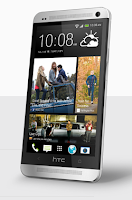
To delete one name or number
1. On your devices Call History tab, press and hold the name or number you wish
to delete.
2. And tap Delete from call history.
To delete the entire call history list
 then go to Remove call history.
2. On the Delete from call history Lcd, tap
3. Choose Select all and then tap Delete.

Subscribe to:
Posts (Atom)
